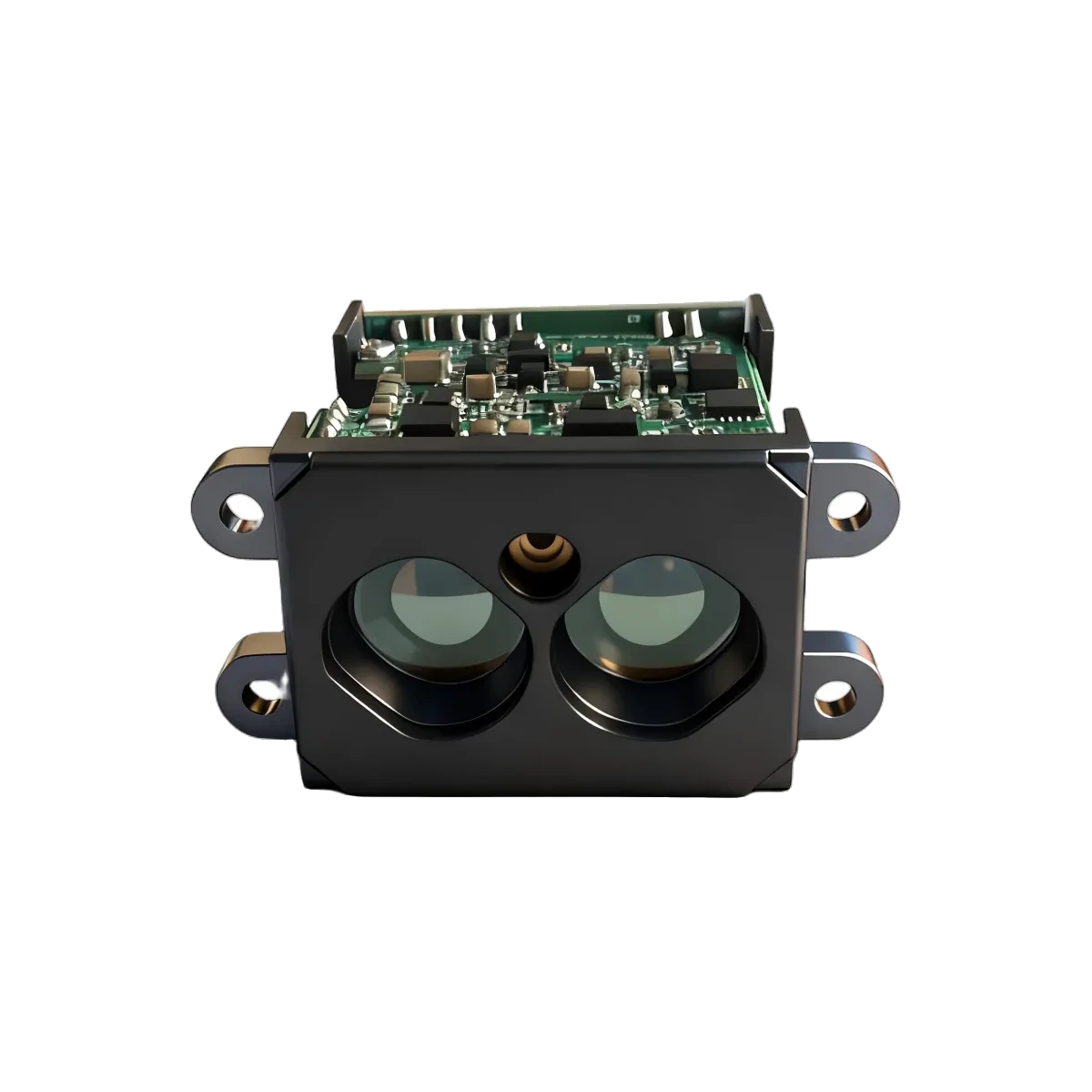
If an LRF50H logger jumps backwards at particular distances while reports still pass their protocol checks, inspect how the host converts bytes into integers. Decode the two distance bytes as one unsigned little-endian value, check the out-of-range marker, then convert centimetres to metres. Use boundary inputs to distinguish a signed-byte mistake from reversed byte order.
Keep the test at the distance-field boundary
The LRF50H protocol describes a two-byte little-endian distance field in centimetres and identifies raw 65535 as out of range. ERDI’s documentation review checked those model-specific statements on 30 September 2026. Confirm the delivered firmware and output format before applying them to a device integration.
For this exercise, assume a complete report has already passed framing and checksum validation. Supply only its two distance bytes to the conversion function, in their received order: low byte L, then high byte H. This is a test of host arithmetic, not a replacement UART parser. The existing invalid-value averaging note covers what happens downstream; the checks here isolate errors before filtering or averaging begins.
A signed low byte can create a plausible wrong distance
Interpret each byte as an integer from 0 to 255. The reconstruction is raw_cm = L + 256 × H, followed by metres = raw_cm / 100 for an accepted distance. The factor 256 comes from the eight bits in a byte; 100 converts centimetres to metres. The number of representable field values is not the sensor’s optical measuring range.
Consider the synthetic pair 80 01, written in hexadecimal. Correct decoding gives 128 + 256 × 1 = 384 cm = 3.84 m. If a program first interprets 80 as signed eight-bit −128 and then adds it to the high-byte contribution, it instead computes −128 + 256 = 128 cm = 1.28 m. The error is −256 cm, or −2.56 m. The result remains positive, so a check that rejects only negative distances misses it.
This arithmetic describes that specific faulty implementation. Other casts or bitwise expressions can fail differently; the symptom alone does not establish the cause. Log the original byte pair alongside the reconstructed integer and compare both with an independent decoder.
Replay these small boundary cases
Every row below is a constructed conversion input, not a captured sensor report or a claimed physical measurement. These are distance fields only, without headers or checksums. The expected outputs exercise representation and scaling; they do not assert accuracy, achievable range or a selected module setting.
| Bytes, low first | Unsigned raw | Expected conversion | Purpose |
|---|---|---|---|
7F 00 |
127 | 1.27 m | Below the low-byte sign boundary |
80 00 |
128 | 1.28 m | Cross that boundary |
FF 00 |
255 | 2.55 m | Largest low byte |
00 01 |
256 | 2.56 m | Carry into the high byte |
80 01 |
384 | 3.84 m | Catch a positive signed-byte error |
02 01 |
258 | 2.58 m | Distinguish byte order |
FF FF |
65535 | Out of range; no distance | Preserve the status marker |
For 02 01, reversing the order computes 2 × 256 + 1 = 513 cm = 5.13 m. Both values look plausible in isolation. Equal-byte fixtures cannot reveal this reversal, which is why this row uses different bytes.
Use an explicit independent conversion
The official Python struct reference defines < as little-endian with standard sizes and H as a two-byte unsigned integer in that mode. Thus struct.unpack('<H', payload)[0] provides a compact reference for the two-byte field. Omitting the prefix leaves byte order dependent on the host.
import struct

def field_metres(data):
    if len(data) != 2:
        raise ValueError("Need two bytes")
    raw = struct.unpack('<H', data)[0]
    if raw == 65535:
        return None
    return raw / 100.0
This helper checks field length and the documented marker only. It does not validate a whole report, determine measurement freshness or establish whether another numeric value is physically usable. Keep those decisions in the appropriate integration layers.
Turn a mismatch into a focused check
- Run every row through the production conversion function. Compare raw integers exactly and converted metres with an appropriate floating-point tolerance. Verify that the final row produces a distinct unavailable state.
- If the 7F-to-80 transition fails, inspect signed conversions. Preserve unsigned byte values before arithmetic. Casting a negative intermediate result afterwards does not repair its meaning.
- If 02 01 becomes 513, inspect byte order. Make the wire format explicit instead of using the computer’s native order.
- If raw values match but metres do not, inspect scaling. Apply the centimetre-to-metre conversion once. Check for integer division or a second conversion in the display layer.
- Replay a real captured report through the full receive path. Retain its raw bytes, protocol-check result, decoded integer and displayed value. Passing the constructed cases establishes only those software behaviours, not sensor performance.
For a focused documentation check, contact ERDILRF with the model, output format, raw bytes and the value your host calculated.