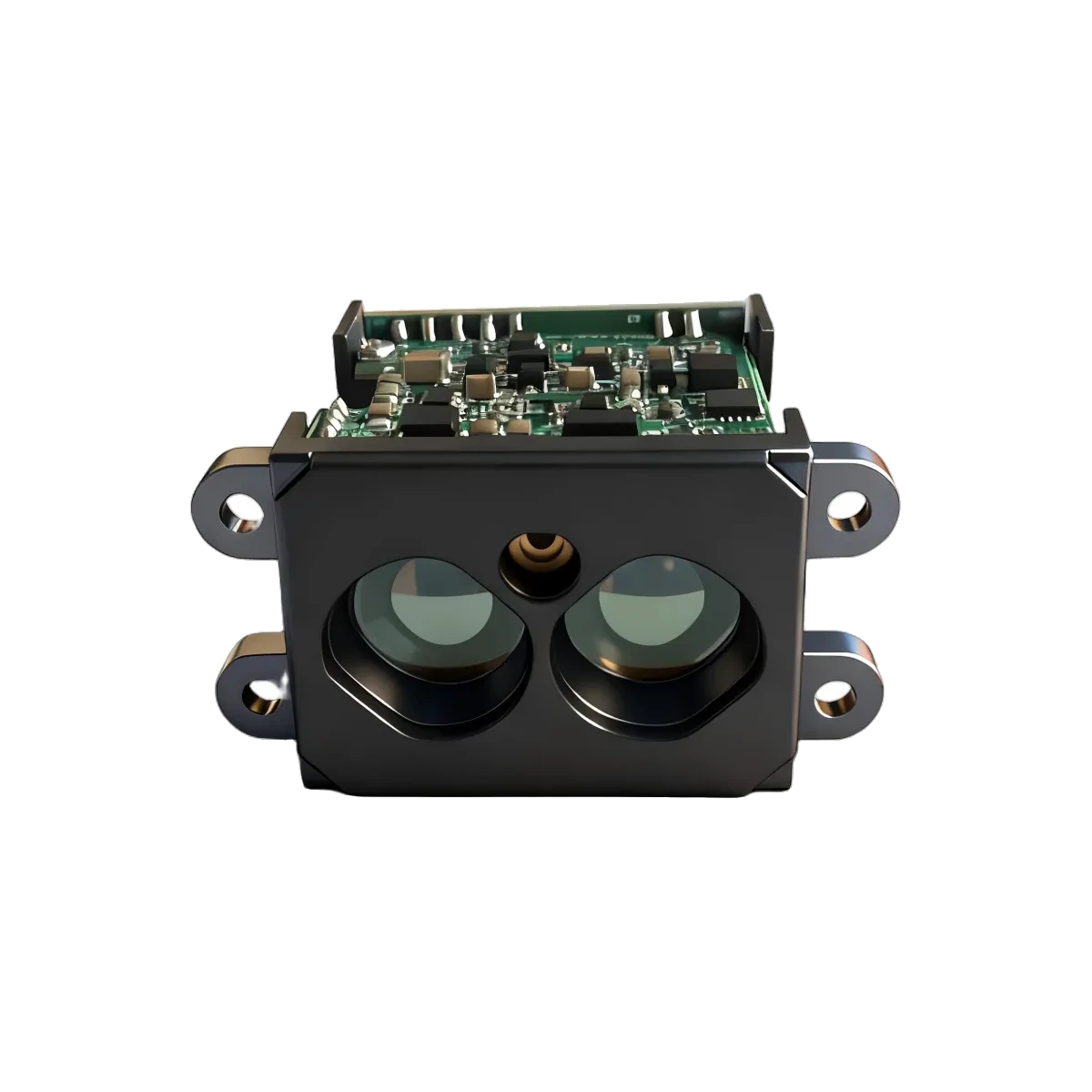
If an LRF50H distance display updates in bursts, check the byte count requested by the host’s serial read before changing the sensor rate. A blocking read can deliberately wait for many reports to accumulate. A larger receive buffer and a larger read request do different jobs: the first stores incoming bytes; the second can postpone when your application receives them.
Check what the reader is waiting for
The official pySerial API reference specifies that read(size) with timeout=None waits for the requested byte count. A positive timeout permits a shorter return when the deadline expires; timeout=0 returns immediately with whatever is available, up to that count. These are host API behaviours, not sensor settings.
For example, read(400) does not mean “give me the next report using a 400-byte buffer.” With no timeout, it waits for 400 bytes. If a complete report is already available but the request is not satisfied, the application may not see that report yet. Other serial libraries need their own documented return rules checked.
The current LRF50H documentation describes a four-byte default output report and a default measurement frequency of 1 kHz. ERDI checked those two statements on 1 October 2026. The following calculation additionally assumes one unchanged report per measurement, delivered at exactly 1,000 reports per second. That emitted cadence must be verified for the delivered firmware; a measurement-frequency entry alone does not establish it.
Calculate the wait added by the request
Assume an initially empty host input buffer, a read starting at time zero, and complete four-byte reports becoming available at 1, 2, 3 milliseconds and so on. Ignore byte-level serialization, scheduling, adapter buffering and parsing time. There are no extra bytes or losses. This is a constructed host-timing example, not an LRF50H latency measurement.
For a request of B bytes, where B is a positive multiple of the report length F, the request contains N = B/F reports. At report rate R, the ideal completion time is N/R after this example’s start. The first complete report then waits W = (N − 1)/R before the read returns. The subtraction matters: that report was already available at 1/R.
| Requested bytes B | Reports N | Read completes | First report’s extra wait W |
|---|---|---|---|
| 4 | 1 | 1 ms | 0 ms |
| 40 | 10 | 10 ms | 9 ms |
| 400 | 100 | 100 ms | 99 ms |
All request sizes are illustrative host choices. Zero added wait in the first row does not mean zero measurement or communication latency. The table isolates only waiting for later reports to fill the request. Existing buffered bytes or a different arrival pattern change the result.
Our UART bandwidth and buffer-budget note addresses how long storage can absorb a consumer pause. Here the consumer can be running normally while its own read request holds back delivery. Increasing storage capacity does not remove that waiting condition.
Compare two reads using the same timed input
- Record the read contract. Save the actual byte count, timeout and library version. Log read start, return, returned byte count, complete-report count and display-update time. Use a consistent monotonic clock for elapsed intervals; Python’s time documentation explains why its monotonic clock is unaffected by system-clock updates.
- Replay the constructed schedule. In an isolated software harness, make one complete four-byte report available every millisecond, starting at 1 ms. Compare blocking requests of 4, 40 and 400 bytes. Expect the ideal timings above at the simulated reader boundary. Test real scheduling separately; do not label simulated timestamps as measured serial performance.
- Exercise a finite timeout. Request 400 bytes with an illustrative 20 ms timeout, then stop the synthetic input after five complete reports. In the ideal harness, the read returns 20 bytes at the deadline rather than waiting forever. This checks partial-return handling, not a recommended production timeout.
- Preserve parser state. Repeat with a report split across two returns and with several reports in one return. Keep incomplete bytes and extract every complete checked report. Never treat a read boundary as a guaranteed report boundary, even when requesting four bytes.
- Locate the remaining delay. If reads return promptly but the display still updates in bursts, compare parser, application-queue and display timestamps. Changing read size will not repair a downstream queue or slow rendering. Choose batching and timeouts against the application’s own latency and processing-cost limits.
A read-return timestamp describes host delivery, not optical acquisition. Giving every report in a batch that timestamp cannot prove they are equally fresh. A finite read timeout also cannot bound the age of bytes already queued before the call. Keep this uncertainty visible instead of claiming a sensor response time from the display trace.
These are proposed software checks, not hardware test results. For a documentation review, contact ERDILRF with the model, firmware if known, read size, timeout and a short timestamped receive trace.