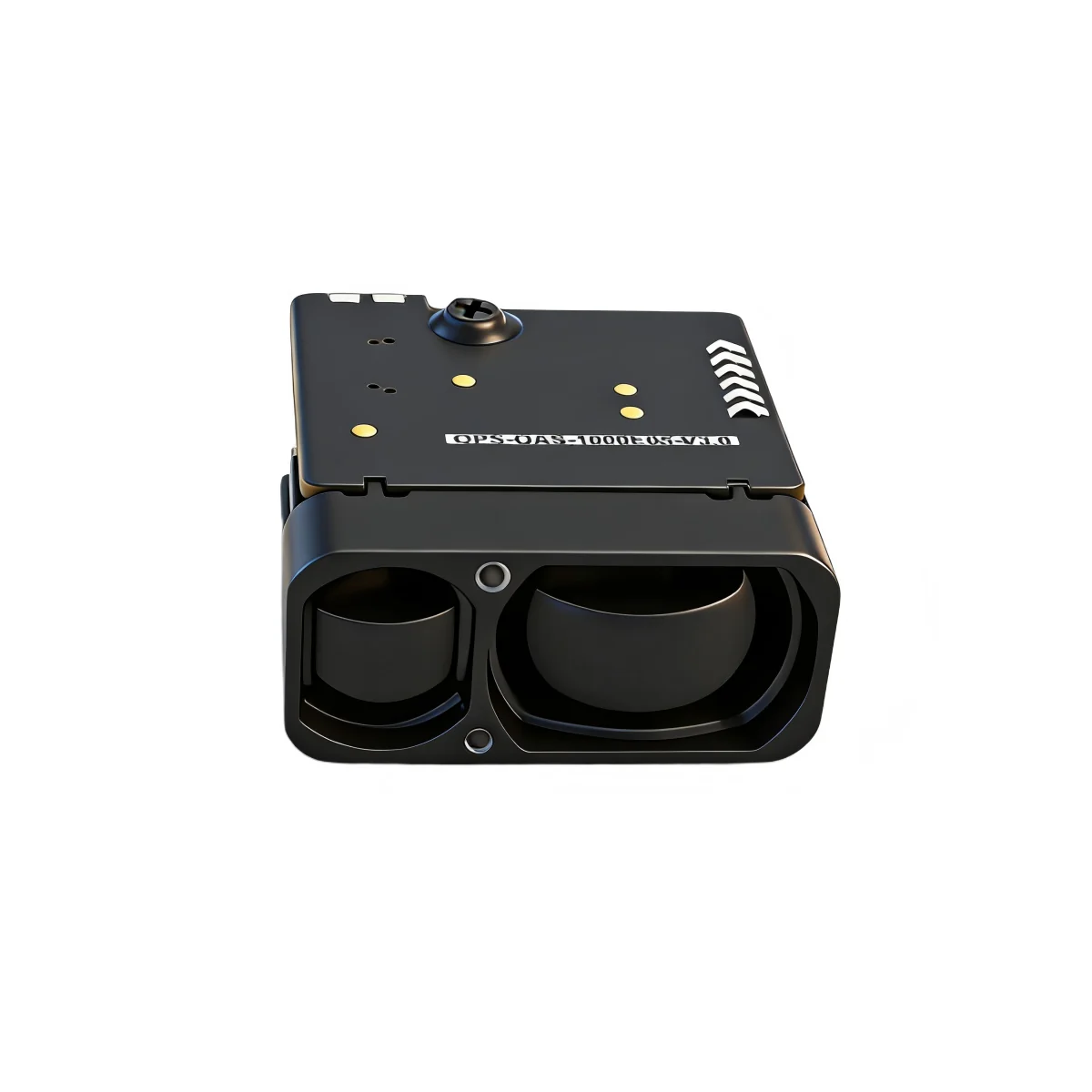
A Raspberry Pi can read a laser rangefinder over UART, but the first connection often fails for a boring reason: the Pi’s serial port is not where the tutorial says it is, or the module’s logic level is not the Pi’s 3.3 V. The wiring is simple. The details are not optional.
What you need
- A Raspberry Pi with a 40-pin header and a current Raspberry Pi OS image.
- An ERDI module with a documented UART interface, such as the LR1000E2 or LR1200E2. The H series may offer UART or I²C; confirm the exact model record.
- A stable supply for the module. The Pi’s 5 V rail is not automatically a good supply for a module with its own current profile.
- A level shifter if the module’s UART logic level is not 3.3 V. Do not connect a 5 V transmitter directly to a Pi GPIO.
Enable the serial port
On Raspberry Pi OS, run sudo raspi-config, open Interface Options, then Serial Port. Disable the serial login shell and enable the serial hardware. The exact menu wording changes between releases; the Raspberry Pi documentation is the authority: raspberrypi.com/documentation/computers/configuration.html.
On a Pi 3, Pi 4 or Pi 5, the Bluetooth stack may own the PL011 UART. Depending on the model and release, you may need dtoverlay=disable-bt and enable_uart=1 in the boot configuration. The file is usually /boot/firmware/config.txt on current images and /boot/config.txt on older ones. After a reboot, check the device:
ls -l /dev/serial*
Use the device that the documentation for your image identifies as the primary UART. On many setups it is /dev/serial0. Do not assume /dev/ttyAMA0 or /dev/ttyS0 without checking.
Wire it
| Signal | Pi 40-pin header | ERDI module |
|---|---|---|
| Pi receive (RXD) | GPIO15, pin 10 | Module transmit (TX) |
| Pi transmit (TXD) | GPIO14, pin 8 | Module receive (RX) |
| Ground | GND, for example pin 6 | GND |
| Module supply | Separate supply, not a GPIO pin | Supply per model record |
Cross the data lines: the Pi’s RXD goes to the module’s TX, and the Pi’s TXD goes to the module’s RX. Connect the grounds. If the module is in a metal housing, follow the supplier’s grounding guidance; a second ground path can create noise or a loop.
Check the logic level before powering the module. The Raspberry Pi GPIO is 3.3 V. If the module’s UART driver is 5 V, use a proper level shifter or a divider on the module’s TX line, and protect the Pi’s RX pin. If the model record does not state the logic level, ask for it; do not infer it from the supply range.
A minimal Python read loop
Install pyserial, then open the port at the baud rate in the model’s protocol note. The example below is a read loop, not a protocol parser. The frame format and checksum are model-specific.
import serial

port = serial.Serial(
    port="/dev/serial0",
    baudrate=115200,
    bytesize=serial.EIGHTBITS,
    parity=serial.PARITY_NONE,
    stopbits=serial.STOPBITS_ONE,
    timeout=1,
)

while True:
    data = port.read(64)
    if data:
        print(data.hex(" "))
Do not guess the baud rate, the frame header or the checksum. The LR1000E2 and LR1200E2 use UART-TTL, but the protocol details belong to the model record. The H series has models with UART and I²C, and at least one H-series manual has documented internal protocol conflicts; confirm the current revision before freezing a parser.
What to verify on the bench
- Supply voltage and current at the module, measured at the module, not at the Pi’s GPIO header.
- Idle level and logic swing on TX and RX with an oscilloscope or logic analyzer.
- Baud rate and frame timing from the model note.
- First valid frame, checksum and update rate.
- Behaviour at the minimum and maximum target distance, including the no-return case.
- Power-cycle and reconnect behaviour; the host should recover without a reboot.
For a ready-made starting point, see the ERDI driver repository and protocol notes: github.com/ErdiTech/erdi-lrf-drivers. For the model records, see erdilrf.com/models. If the host is a Pi and the module is an H-series or LR-series unit, send the model and the measured logic levels to https://erdilrf.com/contact/; we will confirm the interface items that the record does not settle.