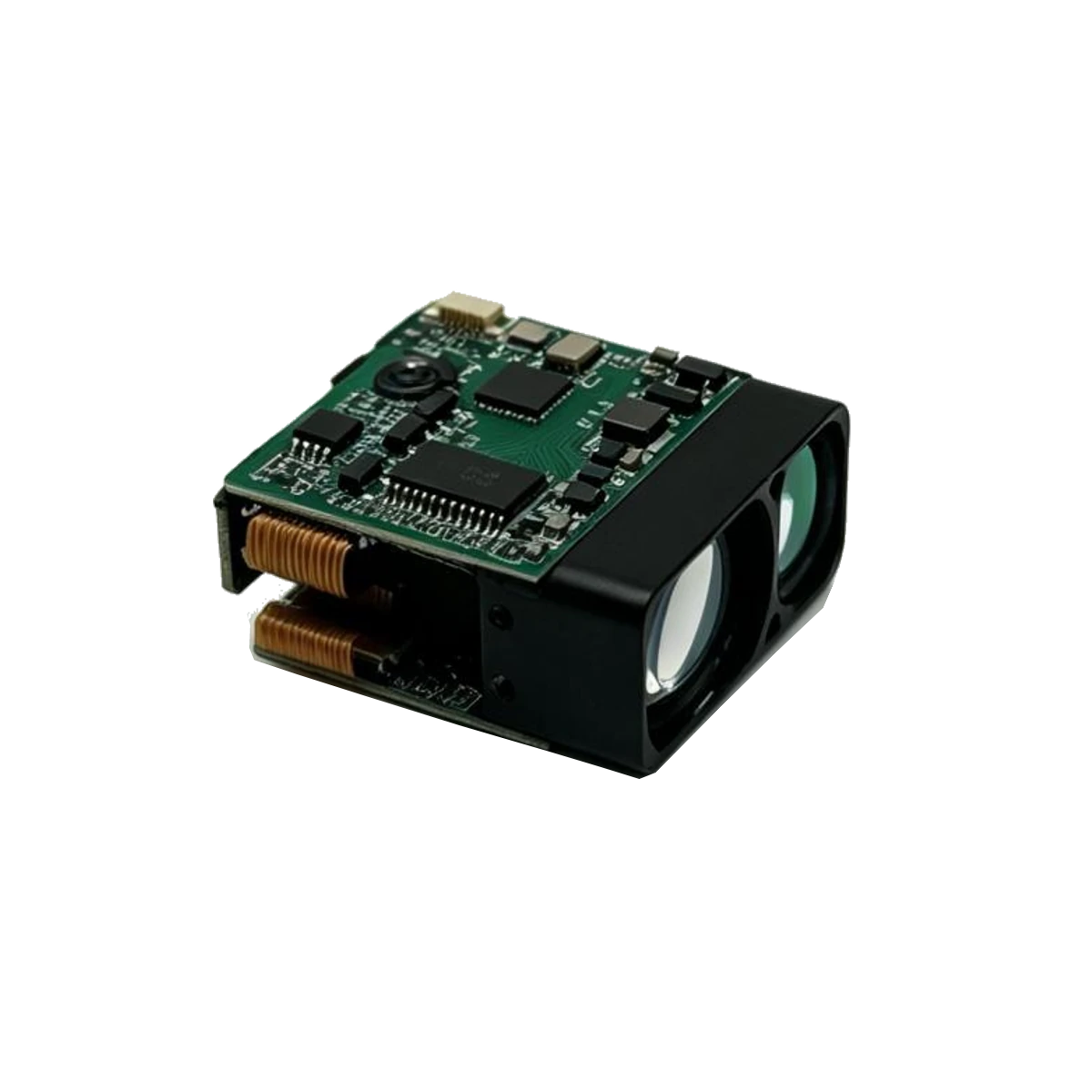
PX4 has a defined rangefinder path, but it does not automatically support every UART or I²C module. An ERDI module can be part of a PX4 build in three ways: a compatible existing driver, a companion computer that publishes a distance message, or a custom driver. The third route is real engineering, not a configuration change.
Start with the PX4 rangefinder page
PX4 documents the supported rangefinders, the configuration path and the test procedure here:
docs.px4.io/main/en/sensor/rangefinders
Read that page for the flight-controller version you are using. The supported list and the parameter names change between releases. Do not copy a parameter name from an old forum post without checking the current page for your release.
Three integration routes
| Route | When it fits | What it requires |
|---|---|---|
| Existing PX4 driver | The module’s protocol, address and frame match a driver PX4 already supports | Protocol compatibility, correct wiring, the driver’s parameters and a bench test |
| Companion computer | The module needs a UART or I²C host that is not the flight controller | A Pi or Jetson, a parser, a MAVLink distance message and a tested update path |
| Custom PX4 driver | The module is strategic and the first two routes are not acceptable | PX4-Autopilot development, a driver, build and test on the target hardware |
Route 1: a compatible driver
PX4 publishes drivers for several rangefinder families, including Lidar-Lite, LightWare and Benewake products. The exact list depends on the release. If the ERDI module can produce the same protocol as a supported device, it may be possible to use that driver. That is a compatibility claim to test, not a label to assume.
Check the frame, the address, the checksum, the update rate and the no-return behaviour. A module that looks compatible at power-up can still fail when the target disappears or the distance crosses a range boundary. Test those cases on the bench before the first flight.
Route 2: companion computer and MAVLink
A companion computer reads the module over UART or I²C and sends a distance message to PX4. This is often the cleanest route for a UART-only module or a protocol that PX4 does not support. The companion owns the parser; PX4 receives a distance measurement with an orientation, a field of view and a quality value.
The details matter: the MAVLink message, the sensor ID, the frame orientation, the minimum and maximum distance, and the update rate. PX4’s rangefinder page explains how the message is consumed. Test the values in QGroundControl or the PX4 console before relying on them in a control loop.
A companion also gives you a place to log raw frames. That log is useful when the reported distance and the physical distance disagree.
Route 3: a custom driver
A custom PX4 driver is the right route when the module is part of the product definition and the companion-computer route adds unacceptable cost, power or latency. It is also the route with the longest validation path: driver code, build, target hardware, sensor calibration, failure modes and regression tests. Do not start here unless the first two routes have been ruled out for a concrete reason.
Wiring and power
The flight controller and the module may not share a supply. Use a supply that meets the module record, connect the grounds, and check the logic level before connecting a UART. A 5 V module output into a 3.3 V flight-controller pin is a hardware fault waiting to happen. If the module is in a remote location, the cable length and the ground return are part of the signal integrity problem.
What to verify before flight
- The PX4 release and the exact supported-rangefinder list for that release.
- The module’s protocol frame, baud rate, address and checksum against the driver or parser.
- The orientation and field of view configured in PX4 or in the MAVLink message.
- The minimum and maximum distance, including the no-return case.
- The update rate under the real flight-controller load.
- The behaviour after a power cycle, a cable disconnect and a sensor timeout.
For the PX4 side, start at the PX4 rangefinder page. For the ERDI side, see the model records and the driver repository. If you are choosing between the companion route and a custom driver, send the flight-controller release, the module and the required update rate to https://erdilrf.com/contact/; we will answer with the interface facts and the items that still need a bench test.
Related guides
- Raspberry Pi UART: reading an ERDI rangefinder
- Lidar-Lite alternatives for OEM integration
- ERDI vs Benewake: matching the sensor to the task
Related: modules used for drone altimeters, with published prices.